JOIN OUR WHATSAPP CHANNEL























































Lenovo Yoga Tab 11 Review; Flabbergasting performance with SPen support
Lenovo has shared a unit with us so that we can use it for a while and come up with a comprehensive review of the device. We have taken our sweet time to test the device in all aspects and here we are sharing our experience with the newly launched Lenovo Yoga Tab 11.




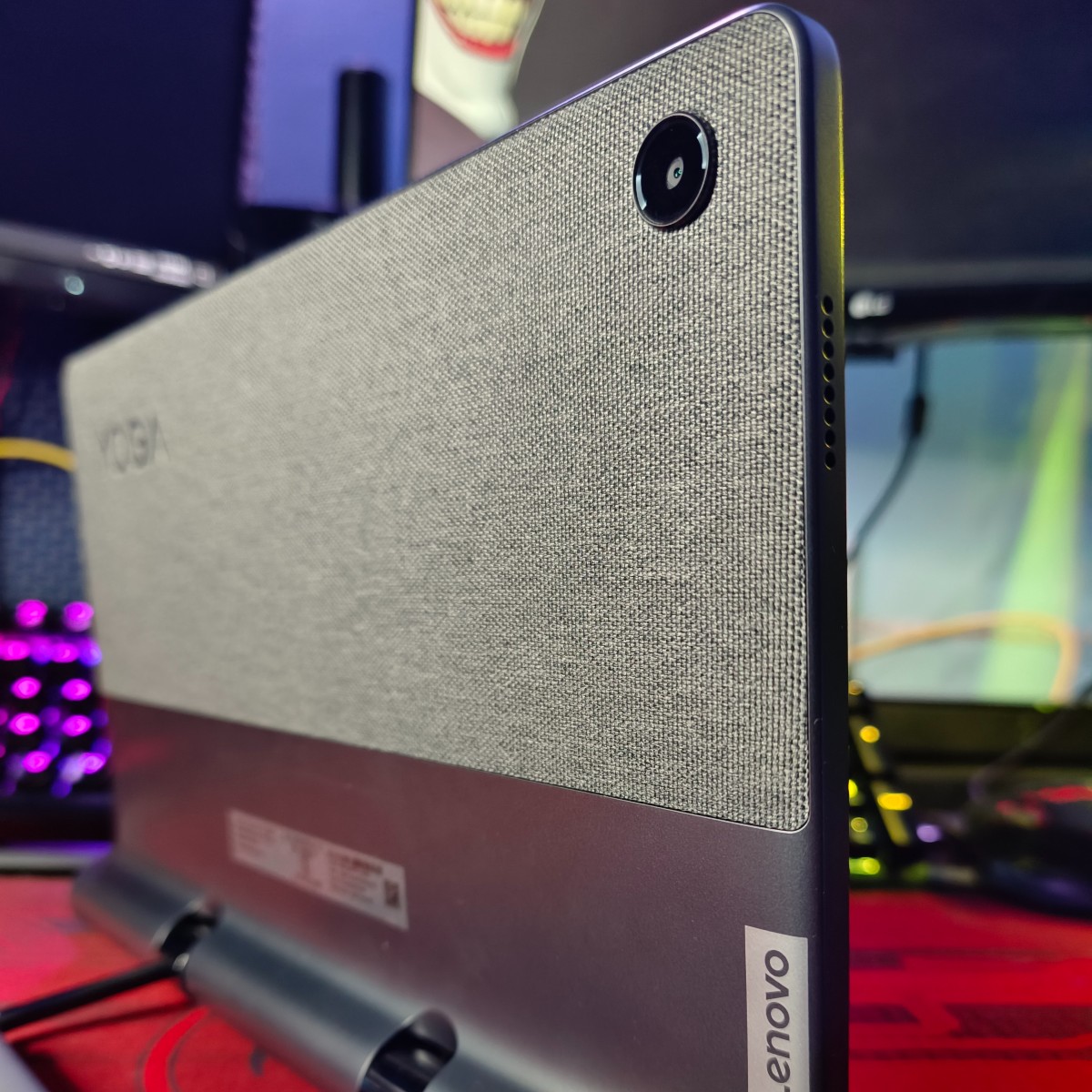
Lenovo has recently expanded its tablet portfolio in the Indian market with the launch of Yoga Tab 11. At the time of launch, the company claimed that the device comes with an array of features like massive display, MediaTek processor, 128GB storage, SPen support, and a lot more. Lenovo has shared a unit with us so that we can use it for a while and come up with a comprehensive review of the device. We have taken our sweet time to test the device in all aspects and here we are sharing our experience with the newly launched Lenovo Yoga Tab 11.
Lenovo Yoga Tab 11 Design
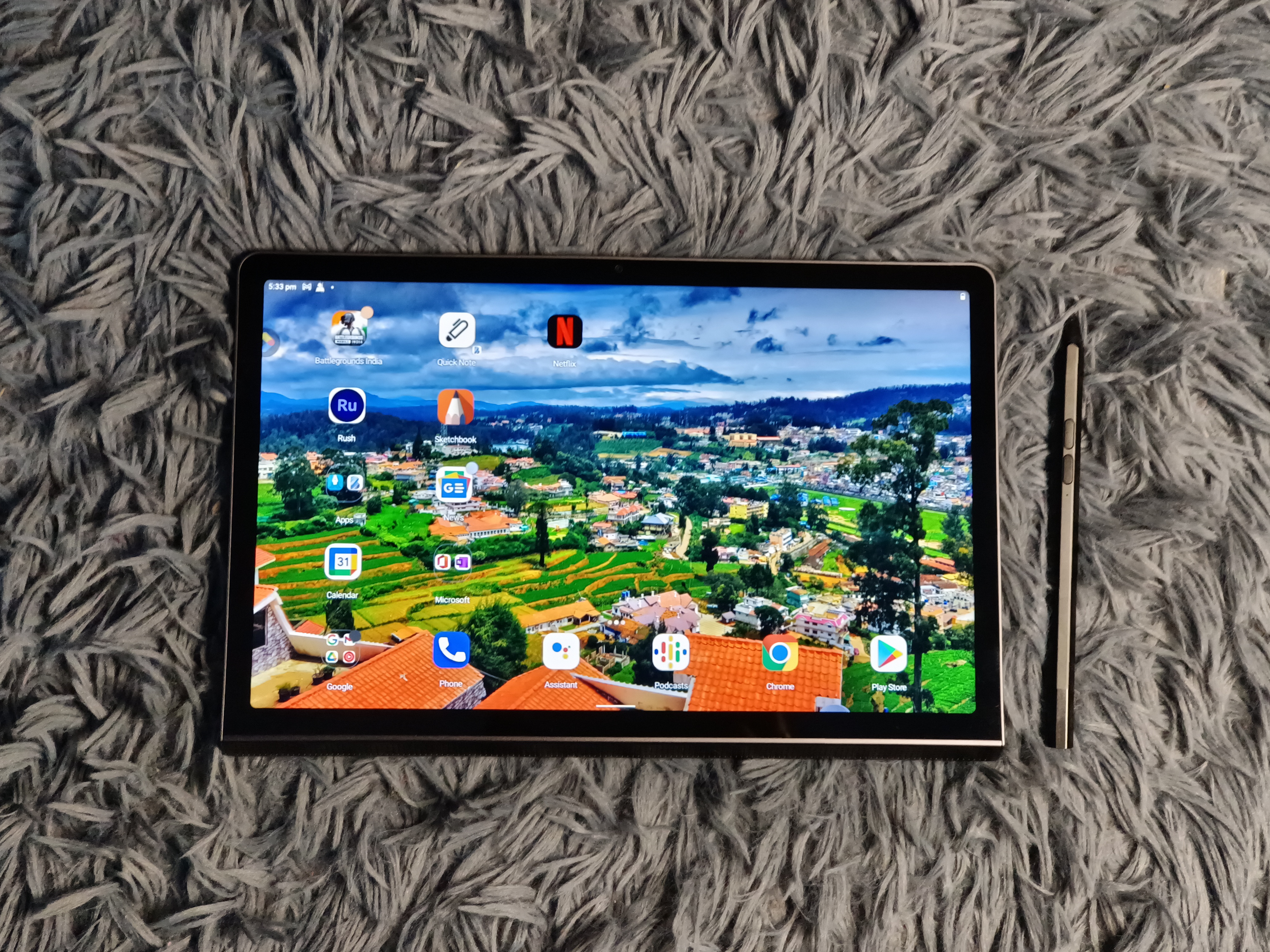
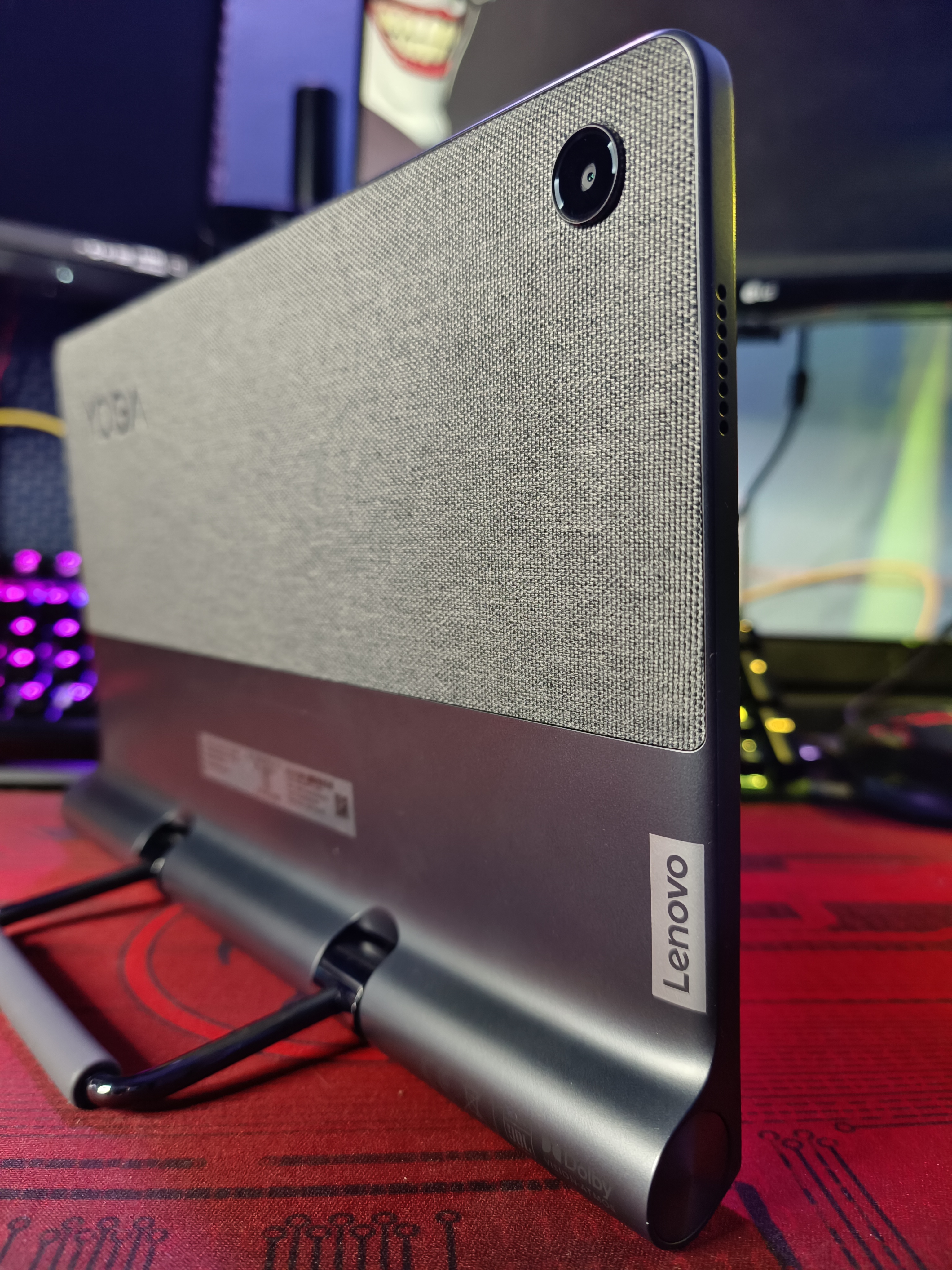
The newly launched Lenovo Yoga Tab 11 offers a massive 11-inch IPS TDDI display with a resolution of 2000x1200 pixels, 400nits, and Dolby Vision. Design-wise the tablet looks neat and premium, it comes with a metal body frame paired with ABS and fabric. At the back, it offers a premium fabric finish along with Yoga branding on it, and at the bottom, you can witness a built-in stand that folds in and out depending on your usage and also offers a better grip.

On the right chassis, you have the volume rocker keys, power button, and a Type-C port to charge the device. While the left and top frames consist of speaker grills and microphones. At the bottom, the Yoga Tab 11 offers a wide speaker grill that consists of JBL speakers. The overall design of the tablet looks rugged and premium at the same time and we are really astonished by the foldable stand design that makes it different from other brands.
Lenovo Yoga Tab 11 Specifications

The Lenovo Yoga Tab 11 is powered by the MediaTek Helio G90T chipset, paired with ARM Mali-G76 MC4 GPU. Under the hood, the tablet is backed by 4GB Soldered LPDDR4x RAM and 128GB UFS 2.1 storage. The device also comes with a microSD card slot that allows you to expand the storage up to 512GB.
As far as cameras are concerned, the Yoga Tab 11 offers an 8-megapixel camera sensor at the back and an 8-megapixel camera sensor at the front for taking a selfie and video calls. Do note that the rear camera didn’t feature any LED flash.
Taking about the speakers, the company has made sure that the device offers 4 sides JBL speakers, Synopsys codec, 2 x1W on the top, 2 x2W on the bottom with 5cc audio chamber. It also comes with Lenovo Premium Audio (LPA) Solution design, optimized with Dolby Atmos.

The Yoga Tab 11 packs a massive 7,500mAh battery and the company claims that it’s capable of offering a Standby time of 500 hours, an online video playback time of 15 hours, a talk time of 15 hours, and a browsing time of 15 hours in one single charge. It took 2 hours to fully charge the tablet from 0-100 percent. It also comes with an IP52 rating making it waterproof.
Lenovo Yoga Tab 11 Performance
It’s been more than three weeks and we are using the Lenovo Yoga Tab 11 for almost everything. We have used it for playing long-hour games, watching video content, taking notes, making drawings, sketches, and more. During the entire usage, we haven’t faced any issues with the smoothness of the UI. Even while playing games like BGMI, Free Fire, COD: Mobile, PUBG New State, we never noticed any distortion or you can say lag in the gameplay experience. The powerful battery supports your long hour gaming need and moreover, the fabric at the rear panel keeps the tablet calm and prevents it from overheating.

Thanks to the SPen shared by Lenovo, life become easier compared to others, the stylus will unlock new possibilities of the Lenovo Yoga Tab 11. It allows you to take notes similar to a traditional notebook and pen, you can save your note on the home page and pull them up whenever you need them. If you’re into the creative field then it's a blessing for you because it will allow you to make sketches and draw with more precision.

We have also used the Yoga Tab 11 for editing videos and images with the help of Adobe Lightroom and Adobe Premiere Rush. The video editing software is similar to the Premium Pro and gives you a plethora of options to edit videos, it can be a great companion for YouTube creators who love to travel and edit the content on the go. The Lenovo Yoga Tab 11 could be a solution for creators as they need not have to worry about carrying a heavy laptop all the time. However, the only restriction about the app is, it’s capable of rendering the file in 1080p and there is no option of 4K render. That could be a concern for creators who don’t want to compromise on the quality.

Apart from that the Lenovo Yoga Tab 11 could also be a great companion for children who are attending online learning classes. The massive display and JBL speakers make it easier for kids to watch and listen to the class. The tablet also comes with TÜV Rheinland Low Blue Light (Software Solution) which makes it safe for kids to use.

Lenovo Yoga Tab 11 worth buying?
The overall experience of the Lenovo Yoga Tab 11 was flabbergasting and we must say that the company has taken take extra effort to make it useful for all types of users. At Rs 27,999 the Lenovo is offering a power pack deal with a plethora of features. So if you’re looking for a tablet then you can keep the Yoga Tab 11 on your top priority list. Do note that the SPen is a separate accessory and you need to spend some extra to grab one for yourself.