JOIN OUR WHATSAPP CHANNEL























































How to enable screen recording on Apple iPhone; Step-by-step guide
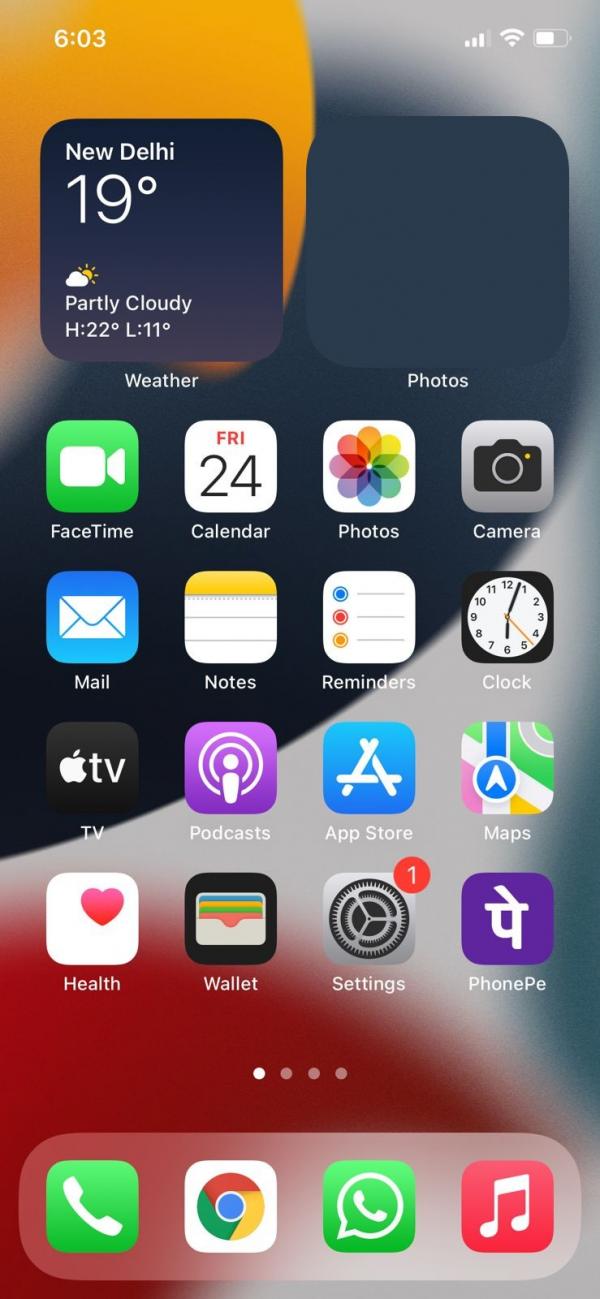
In this article, we have listed a step-by-step guide on how to screen record on Apple iPhone.





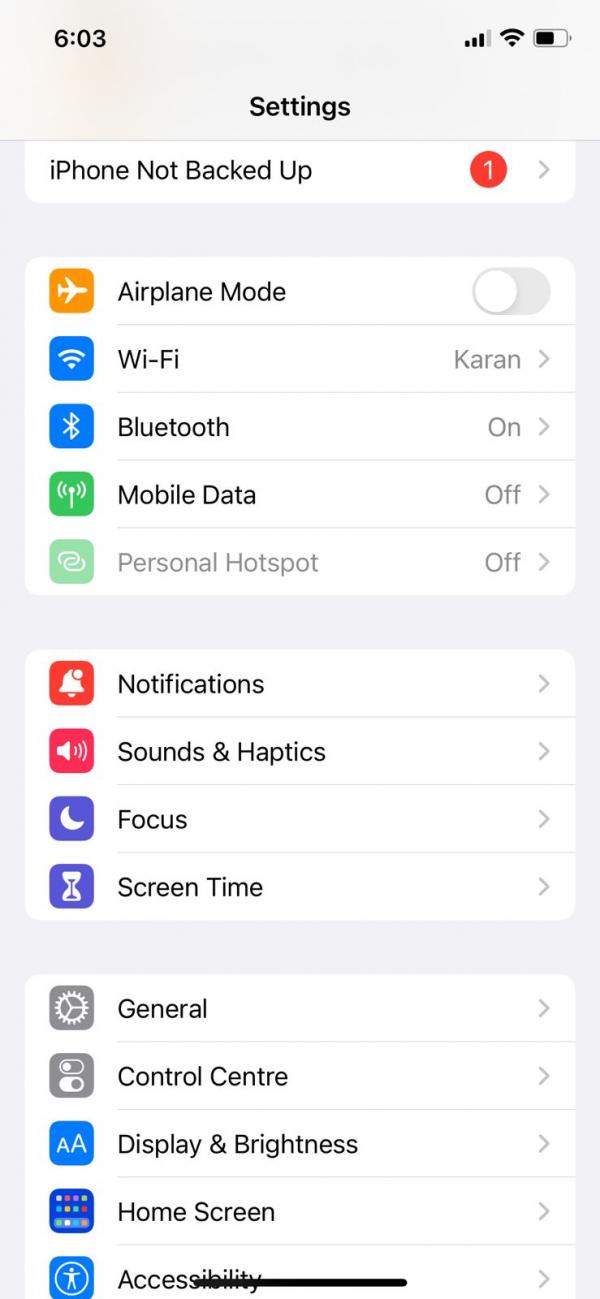
Screen recording is one of the best ways to capture a moment that you want to preserve for the future. It can be a gameplay video, video calls with friends and family, demonstrating actions on your phone, reporting issues with your phone, and more. Android and iOS-based smartphones come with a built-in screen recording feature. Android phones provide the screen recording option in the notification bar but on iPhone, you need to search for it and add it to the shortcut menu. If you’re also among the ones who are searching for the screen recording option on your iPhone then you are at the right place. In this article, we have listed a step-by-step guide on how to screen record on Apple iPhone. Read through to know more.
Before moving forward, do note that all the iPhone models which are running on iOS 14 and above come with a built-in screen recording feature. So you don’t have to install a third-party app, but if your iPhone is still working on iOS 13 then we recommend you update your phone as soon as possible to take benefit of the screen recording feature.
How to record screens on Apple iPhone?